
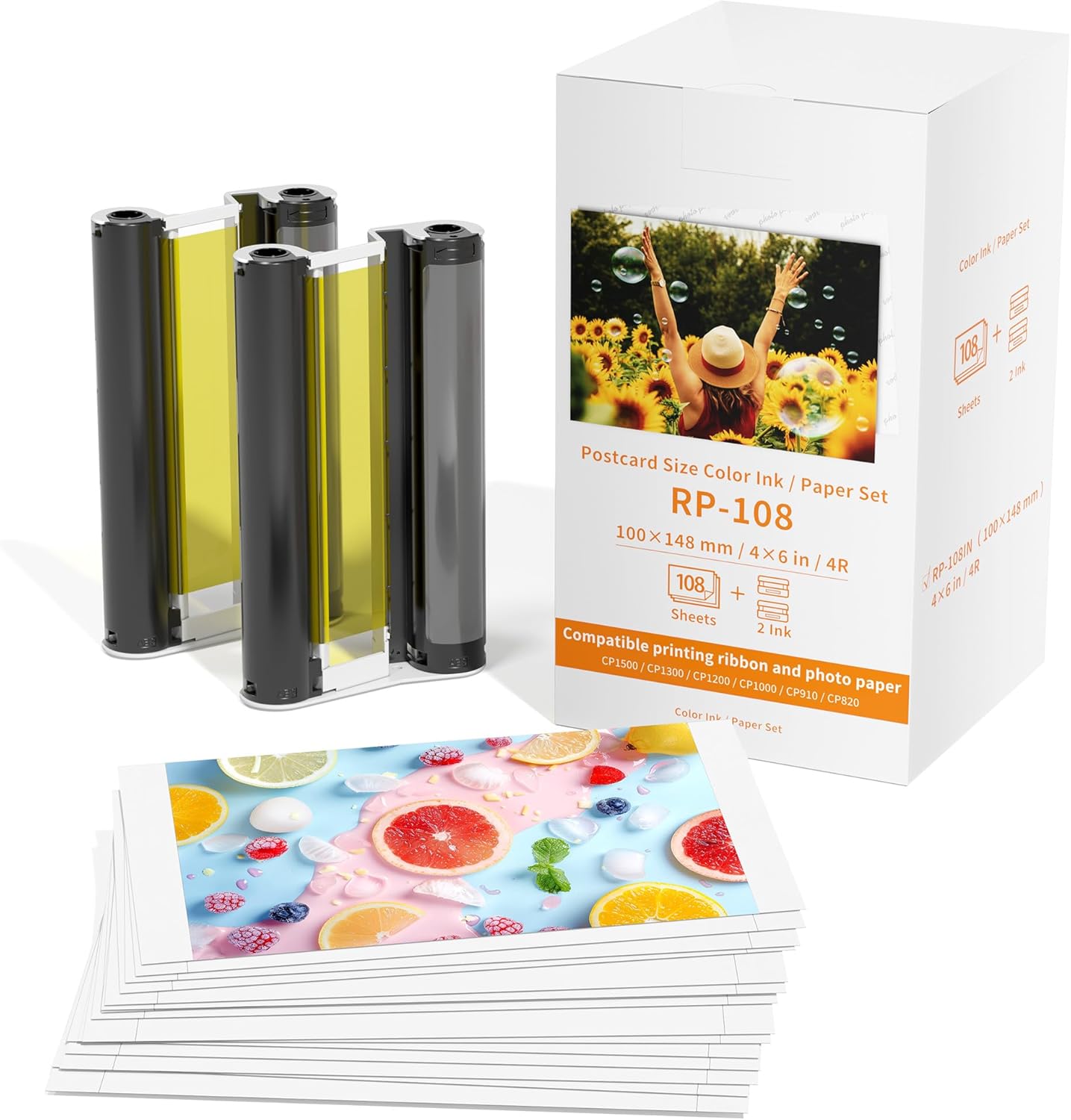
Compatible with Canon Selphy CP1500 CP1300 Ink and Paper, 2 Color Ink and 108 Sheets 4x6 Photo Replacement for Canon Selphy CP1300 CP1500 Photo Paper RP-108IN for CP910/CP820/CP1200/CP1300/CP1500
$30.00
Price when purchased online
Free shipping
Free 30-day returns
Sold and shipped by v1.seanmas.com.au
We aim to show you accurate product information. Manufacturers, suppliers and others provide what you see here.
$30.00
Price when purchased online
Free shipping
Free 30-day returns
Sold and shipped by v1.seanmas.com.au
Free 30-day returns Details
Product details
| Management number | 215897065 | Release Date | 2026/04/19 | List Price | $12.00 | Model Number | 215897065 | ||
|---|---|---|---|---|---|---|---|---|---|
| Category | |||||||||
- Compatibility: Compatible with Canon Selphy CP910, CP900, CP820, CP1200, CP1300, and CP1500 photo printers, But Not Work for Selphy Square q x 10, q x 20 or other printers
- Package Contents: Includes 2 ink cartridge and 108 sheets of 4x6 inch photo paper for your printing needs, All-in-one ink and paper set eliminates the need to purchase supplies separately
- Postcard Size: Delivers 108 postcard-size prints (4x6 inches) with vibrant colors and sharp detail
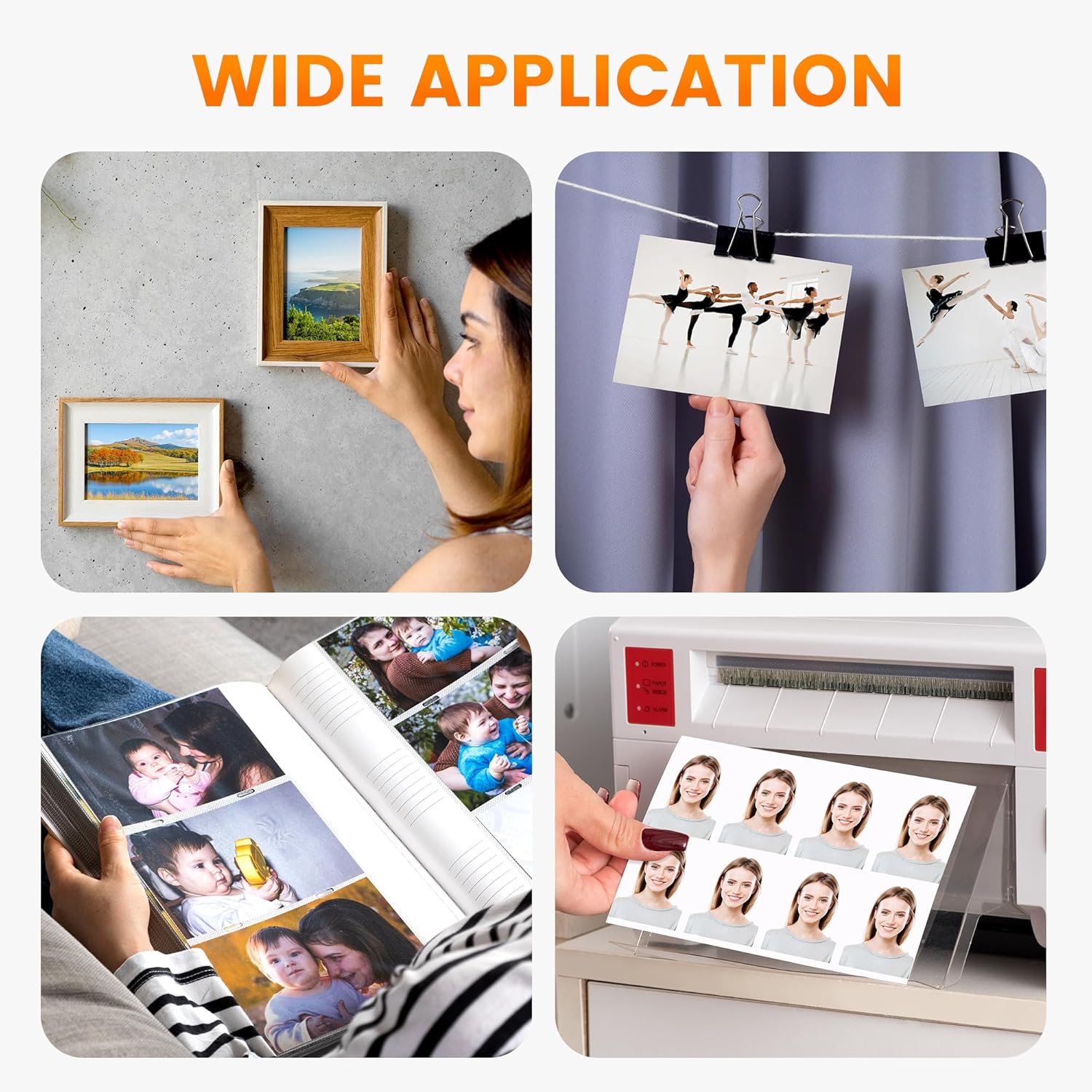
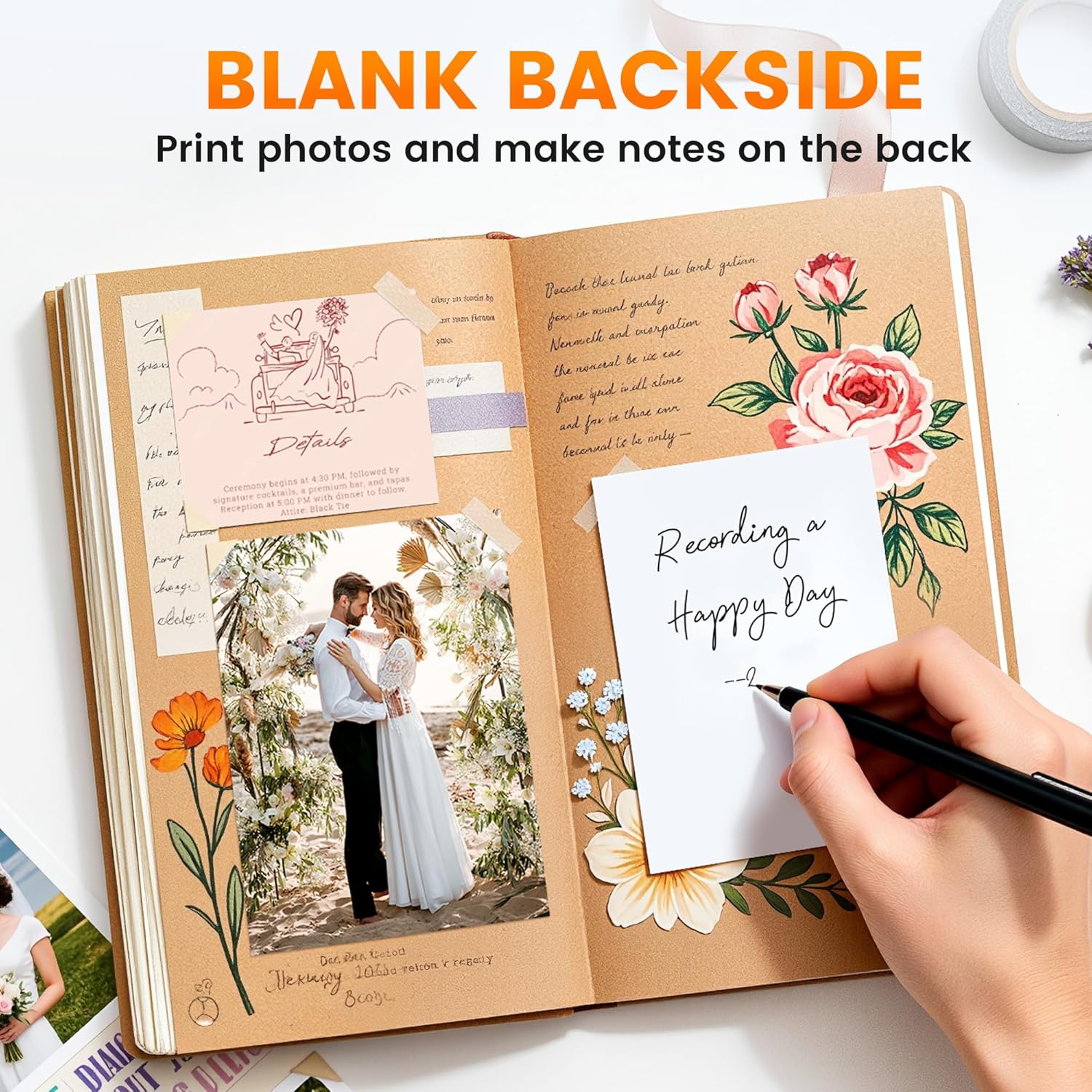
- Widely applicable: Compatible with Canon Slephy CP1500 ink and paper set, it can be used for DIY greeting cards, photo albums, photo frames, scrapbooks, etc. It can also be used for professional photography, such as ID card photos, etc
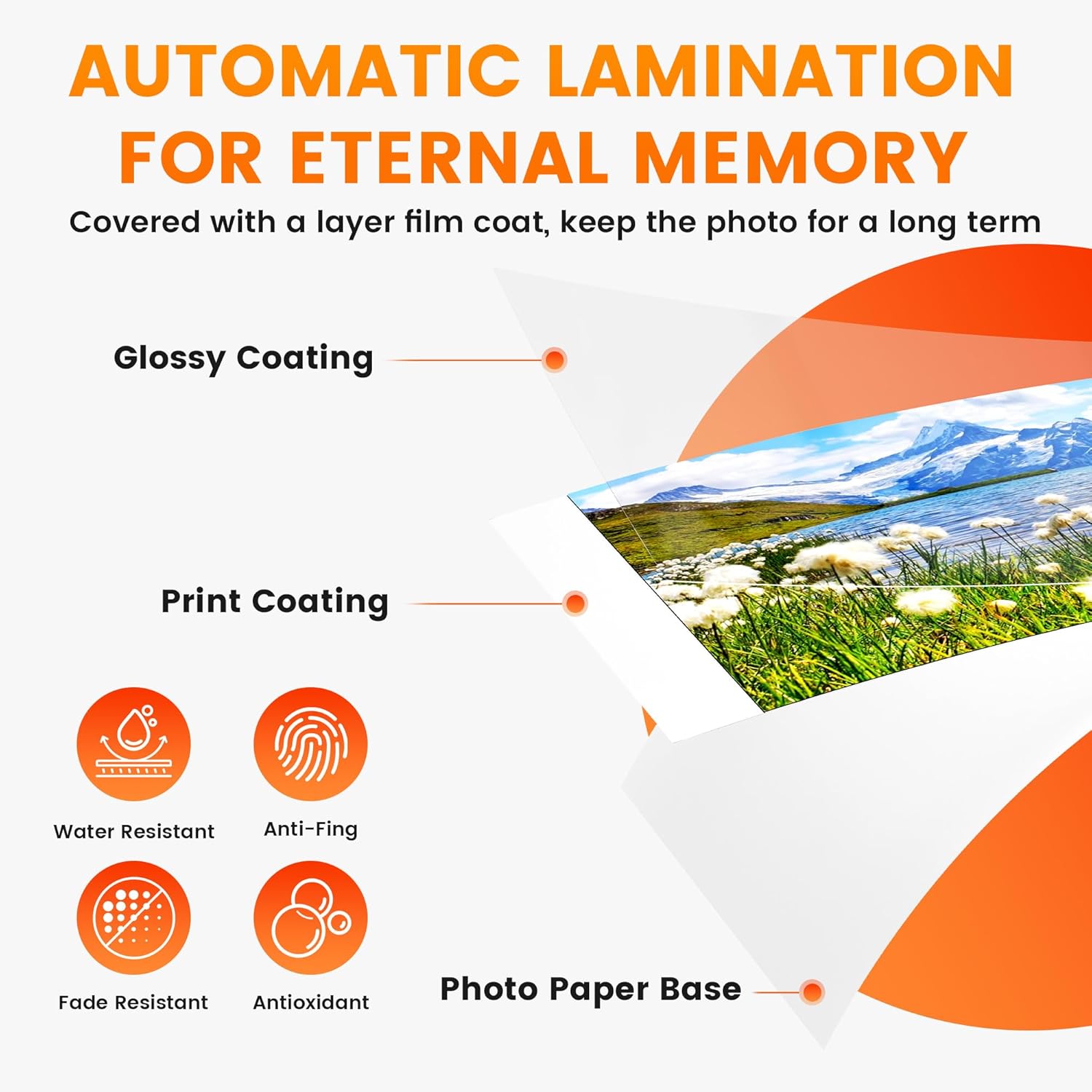
- Compatible with canon selphy RP1500 ink and paper use dye sublimation technology, the compatible with canon selphy paper dries immediately and is covered with a protective film after printing. It can effectively ensure that the surface of the photo paper is no smudge and withstand water, keep the color bright and do not fade, and keep it longer. The smooth printing make it more professional
- Warm tips: 1. If the RP-108IN ink cartridge ribbon is loose, please tighten the ink roller before installation to avoid jamming. 2. Install the ink cartridge ribbon after turning on the printer, and then removing it when you finished the printing, it can effectively avoid waste of ink cartridge




Bestseller ranking
Blouses & Button-Down Shirts




Customers who viewed this product also viewed
Photo Paper



Correction of product information
If you notice any omissions or errors in the product information on this page, please use the correction request form below.
Correction Request Form